Lighter
🛠 Connector Info
- Exchange Type: Decentralized Exchange (DEX)
- Market Type: Central Limit Order Book (CLOB)
| Component | Status | Connector Version | V2 Strategies | Notes |
|---|---|---|---|---|
| 🔀 Spot Connector | ✅ | v2.1 | Yes | Supports MARKET order type |
| 🔀 Perp Connector | ✅ | v2.1 | Yes | Supports testnet |
| 🕯 Spot Candles Feed | ✅ | |||
| 🕯 Perp Candles Feed | ✅ |
ℹ️ Exchange Info
- Website: https://lighter.xyz
- CoinMarketCap: https://coinmarketcap.com/exchanges/lighter/?type=perpetual
- Referral: https://app.lighter.xyz/referrals
- CoinGecko: https://www.coingecko.com/en/exchanges/lighter
- Fees: https://docs.lighter.xyz/trading/trading-fees
🔑 How to Connect
Generate API Keys
Note: your L1 wallet address is you public address
Step 1
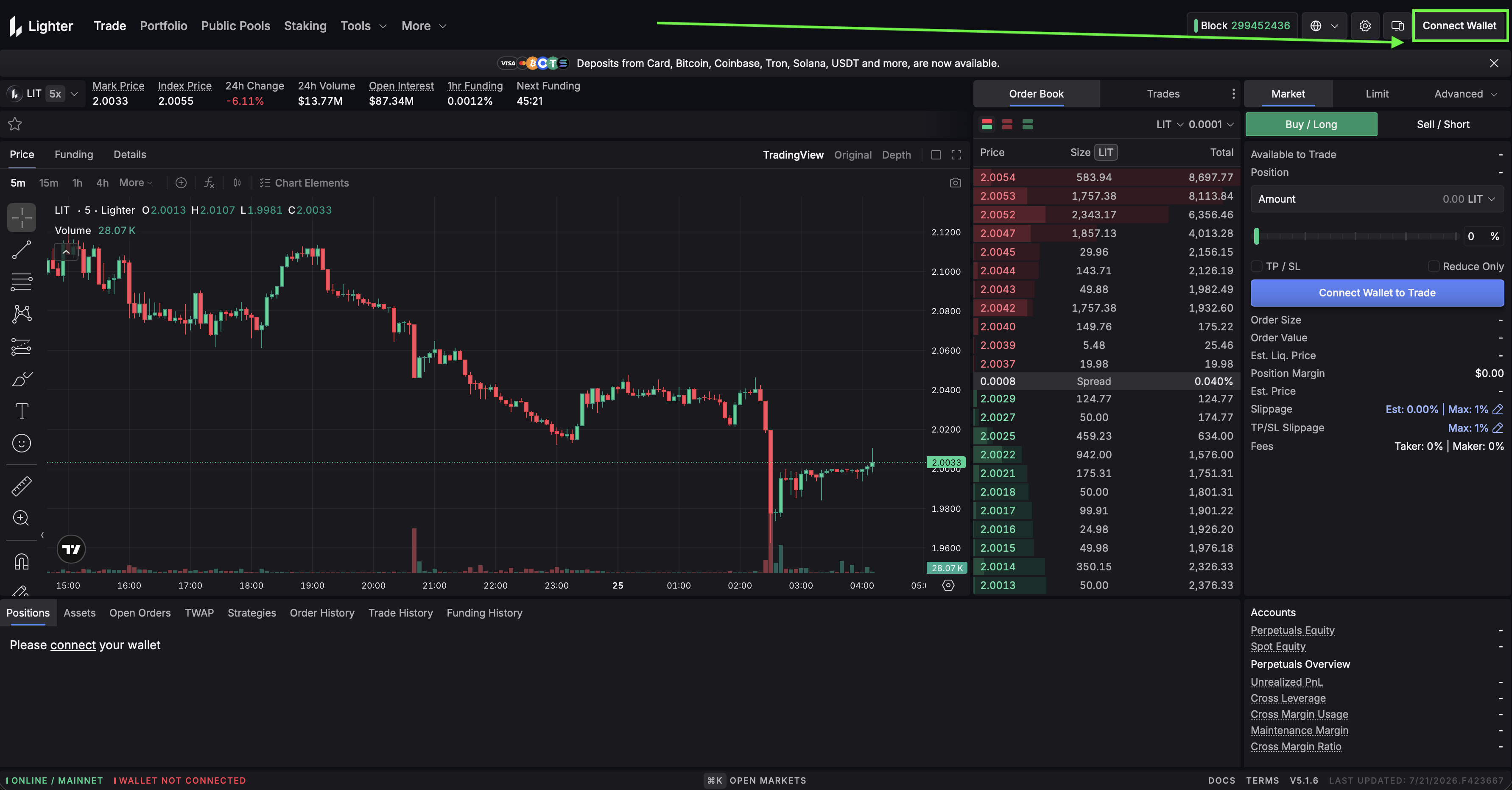
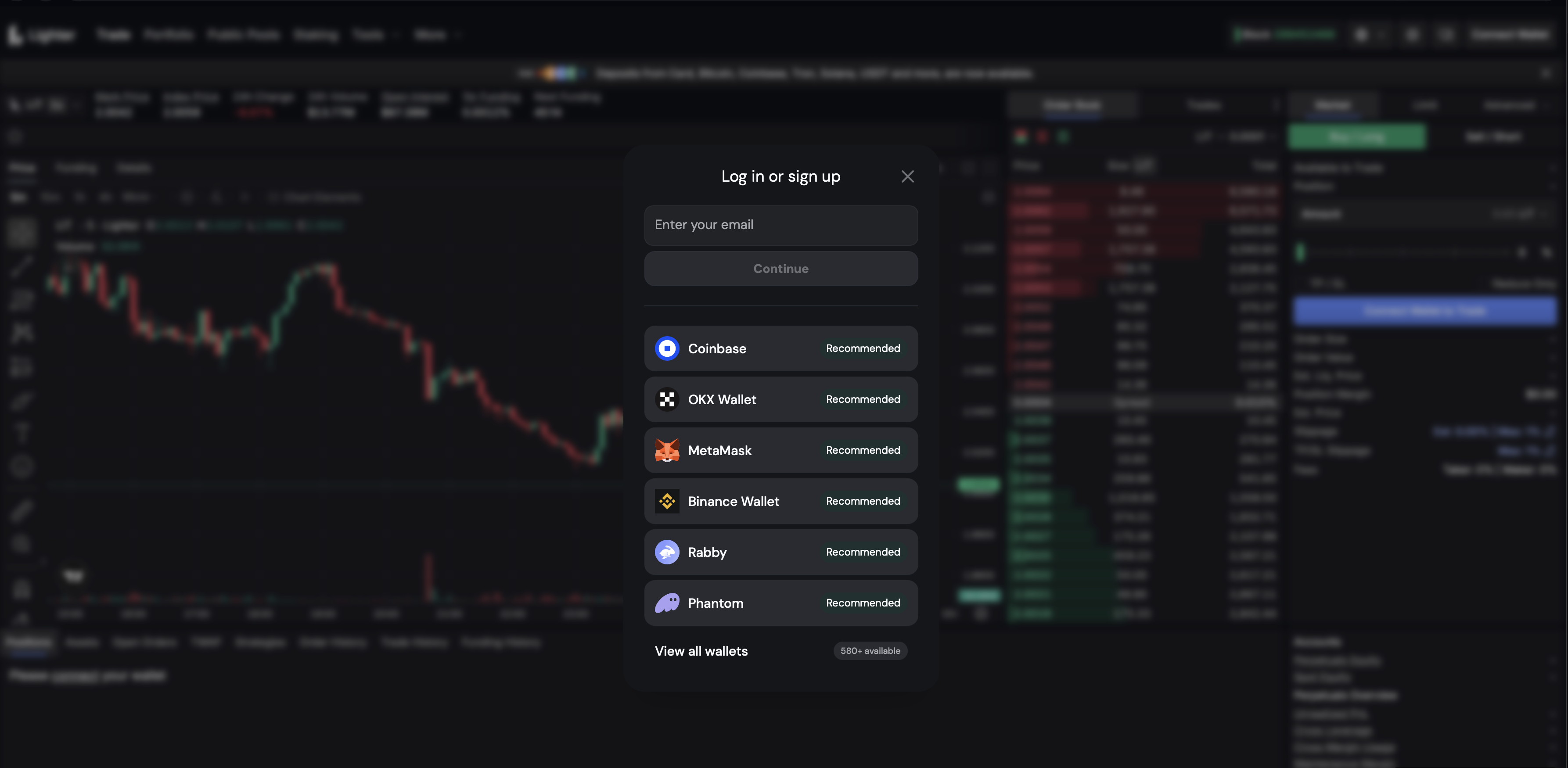
Log in to your lighter account and navigate to Homepage.
- Log in to your Lighter account at https://app.lighter.xyz/.
Step 2
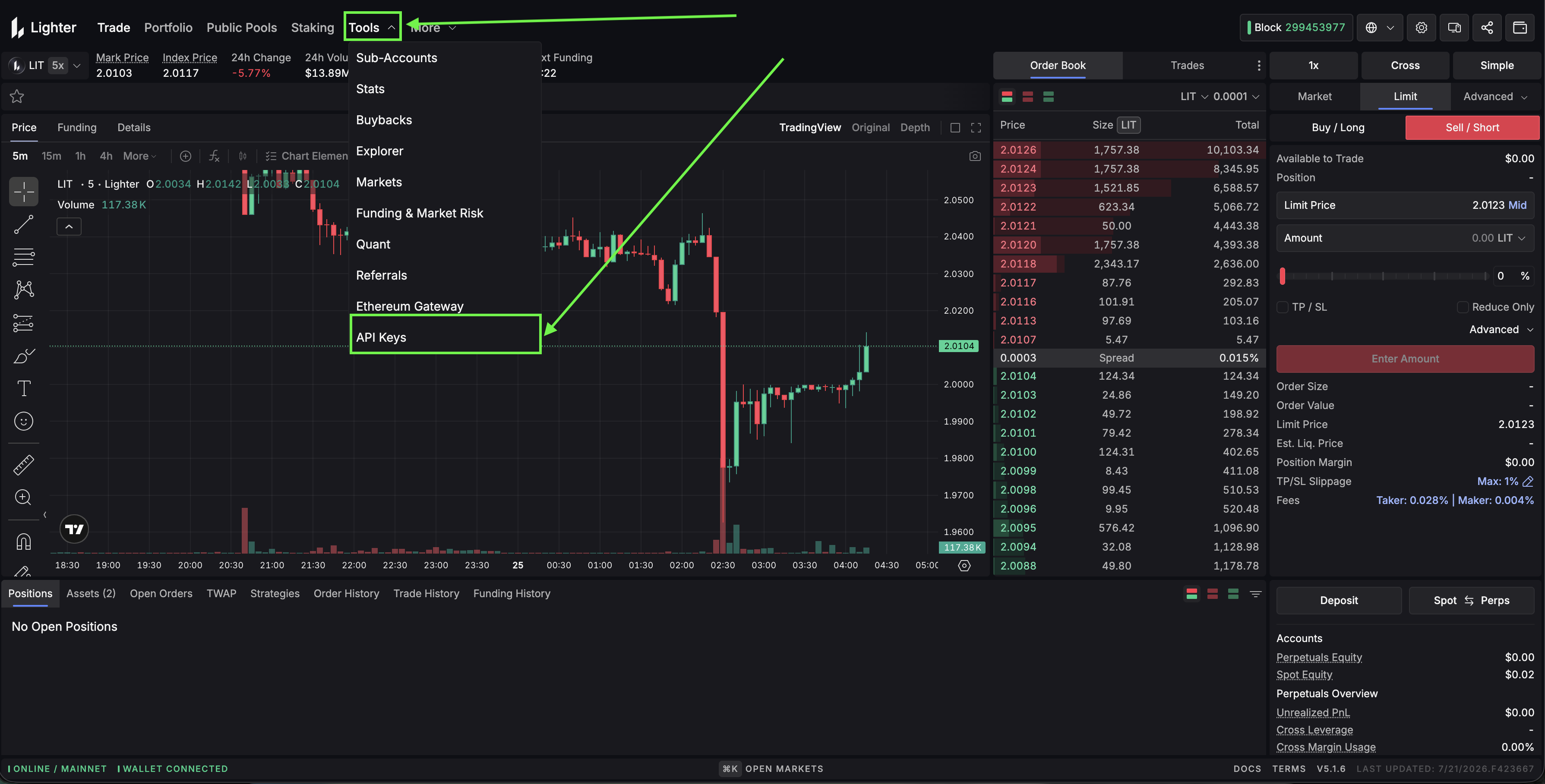
Click Create New API Key.
- In the top menu, go to Tools -> API Keys.
Configure your API key:
-
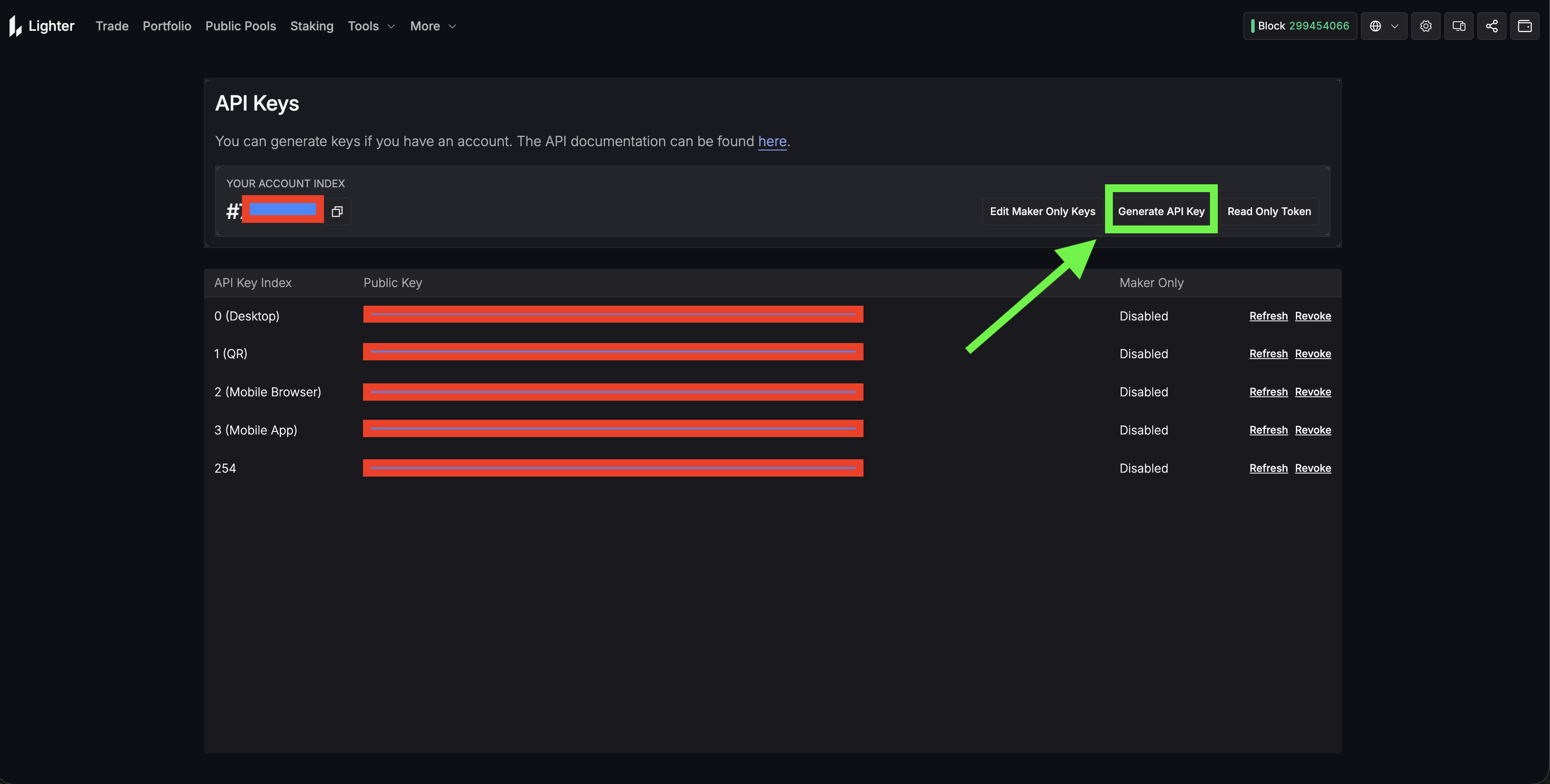
Click Generate API Key and enter your desired API Key Index.
Note
Indexes 0-3 are reserved (Desktop and Mobile). You can create up to 251 keys per account using indexes 4-254.
Step 3
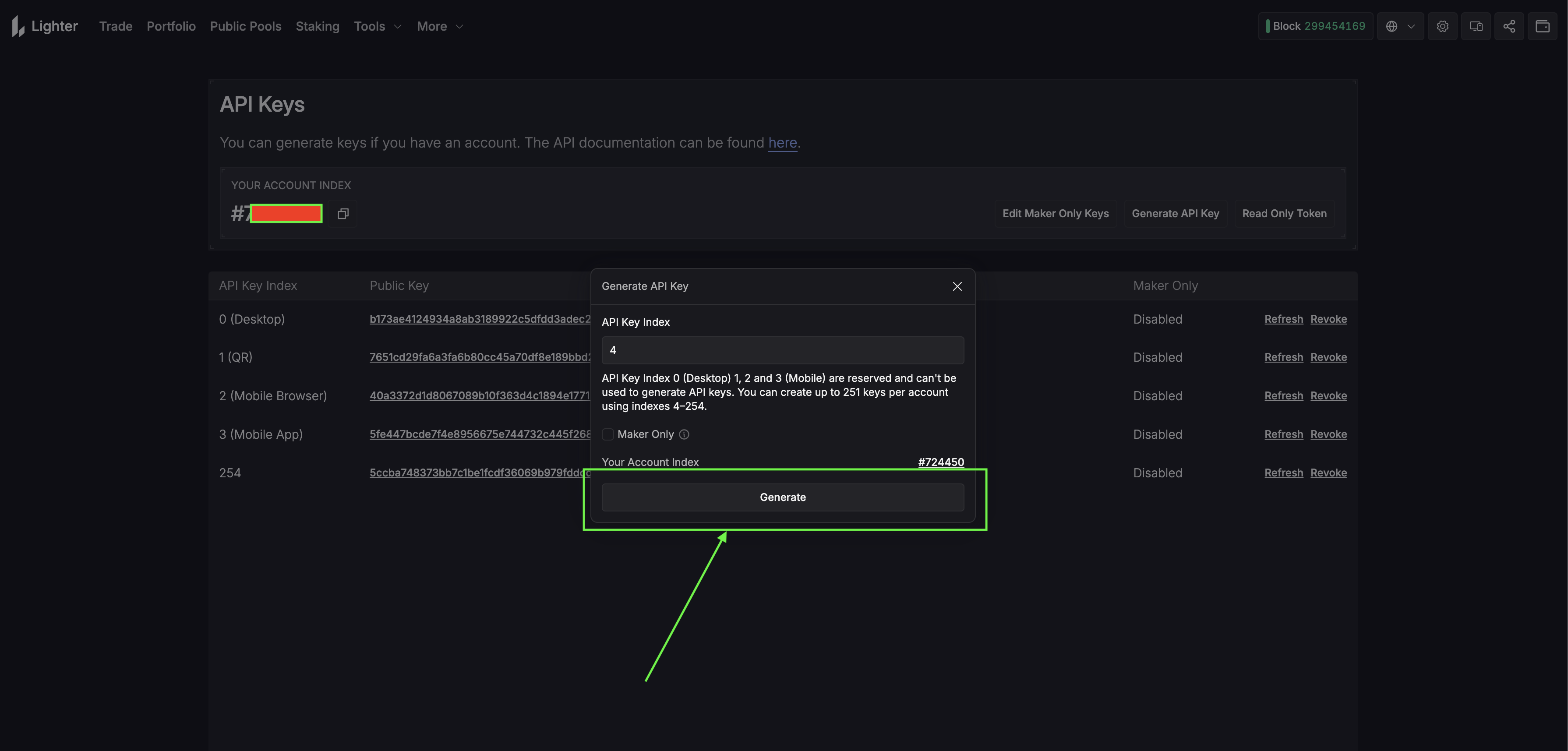
- Click Generate, then sign the request in your connected wallet.
-
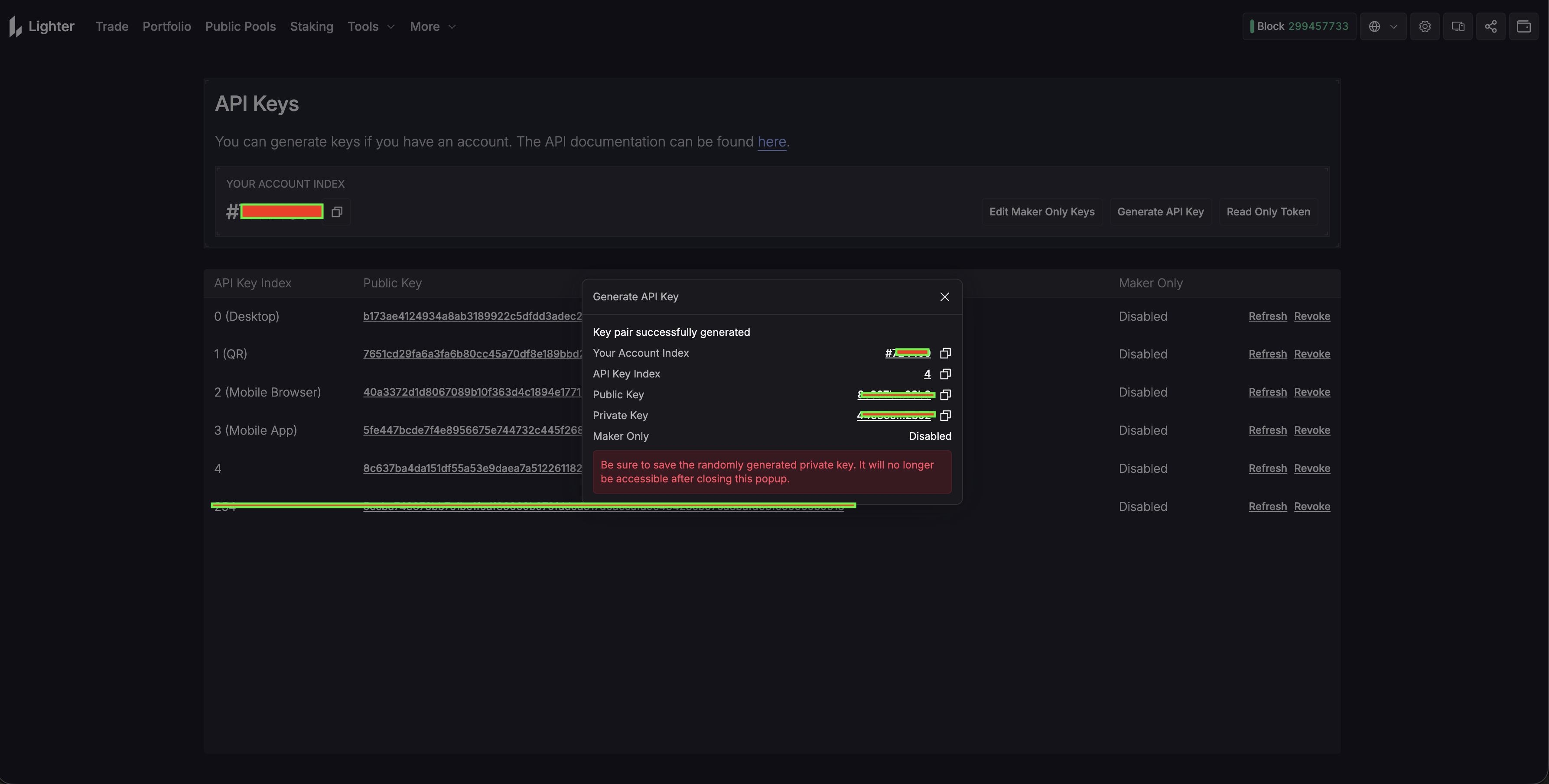
The dashboard will display your API Key Index, Public Key, and Private Key.
Warning
Save your Private Key somewhere safe immediately - it is only shown once. Only use it in trusted environments.
- Remember your API Key Index - you will need it when connecting.
-
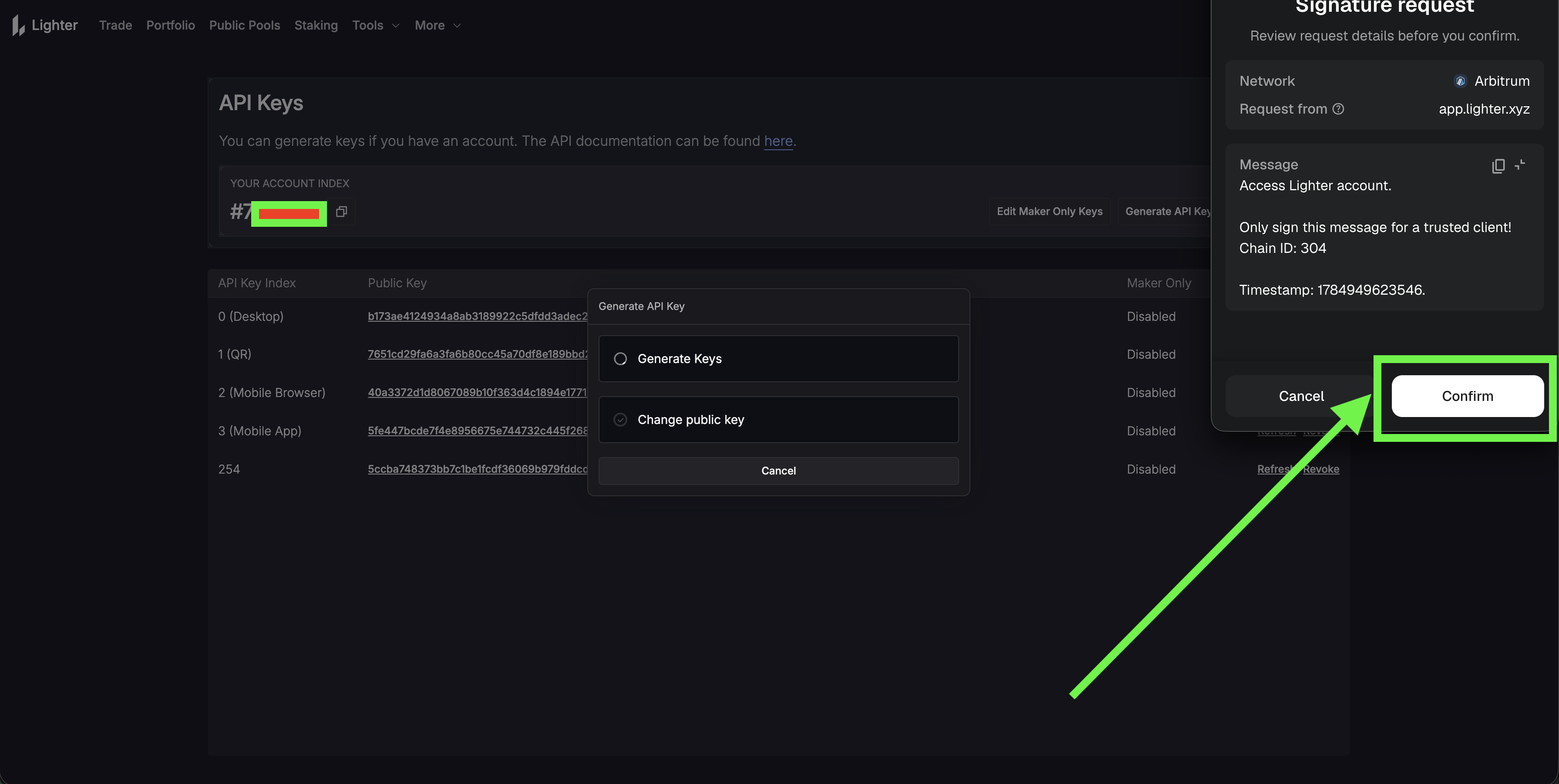
Click Confirm if using metamask
- On successfull creation
Your Account Index is required to connect. To find it:
- Click your wallet address in the top-right corner of the Lighter app.
- Click Explorer - your Account Index will be shown on the account page.
- Alternatively, open the explorer directly at https://app.lighter.xyz/explorer and search using your L1 wallet address.
Note
The same API keys can be used for both spot and perpetual trading.
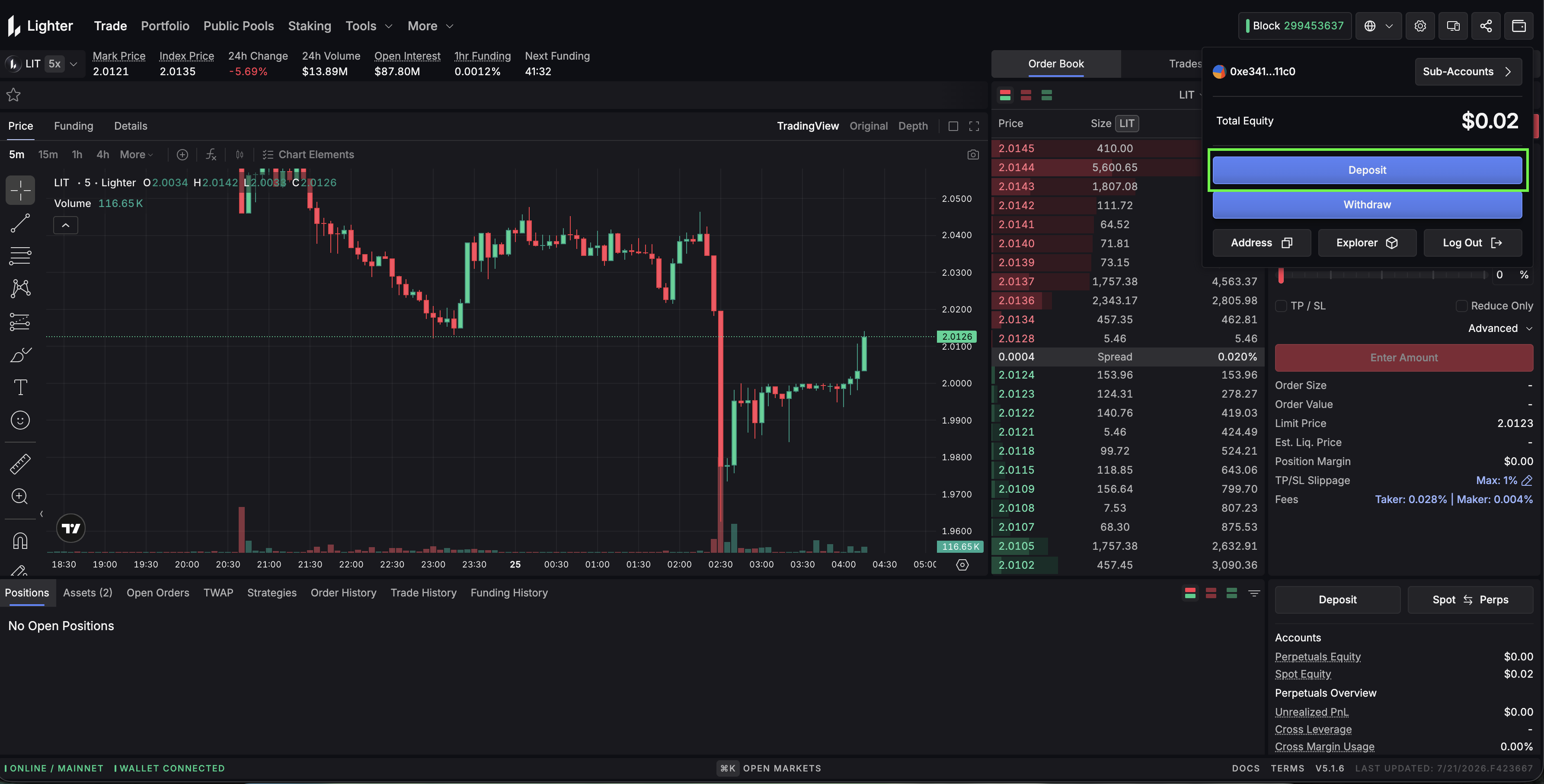
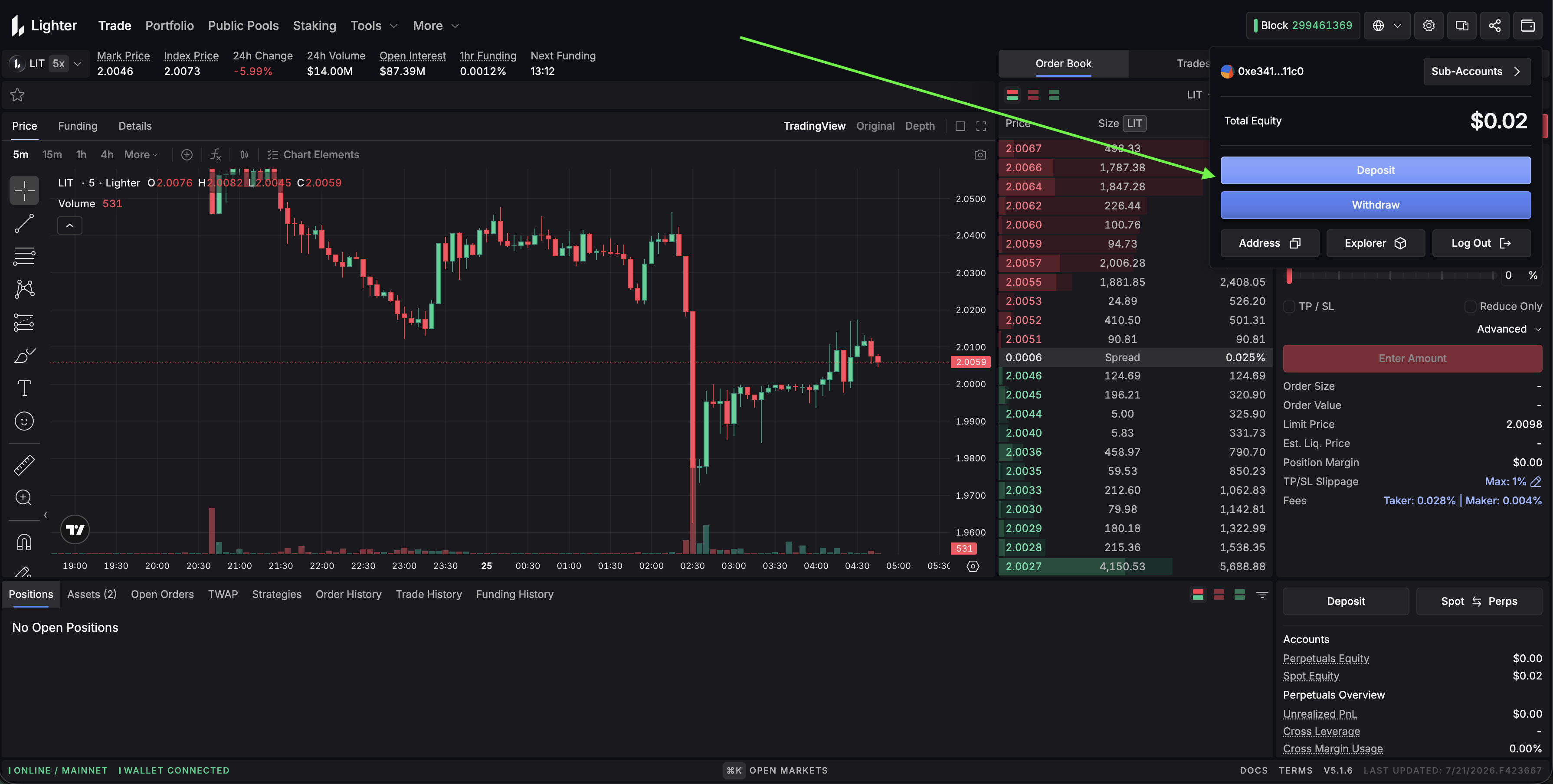
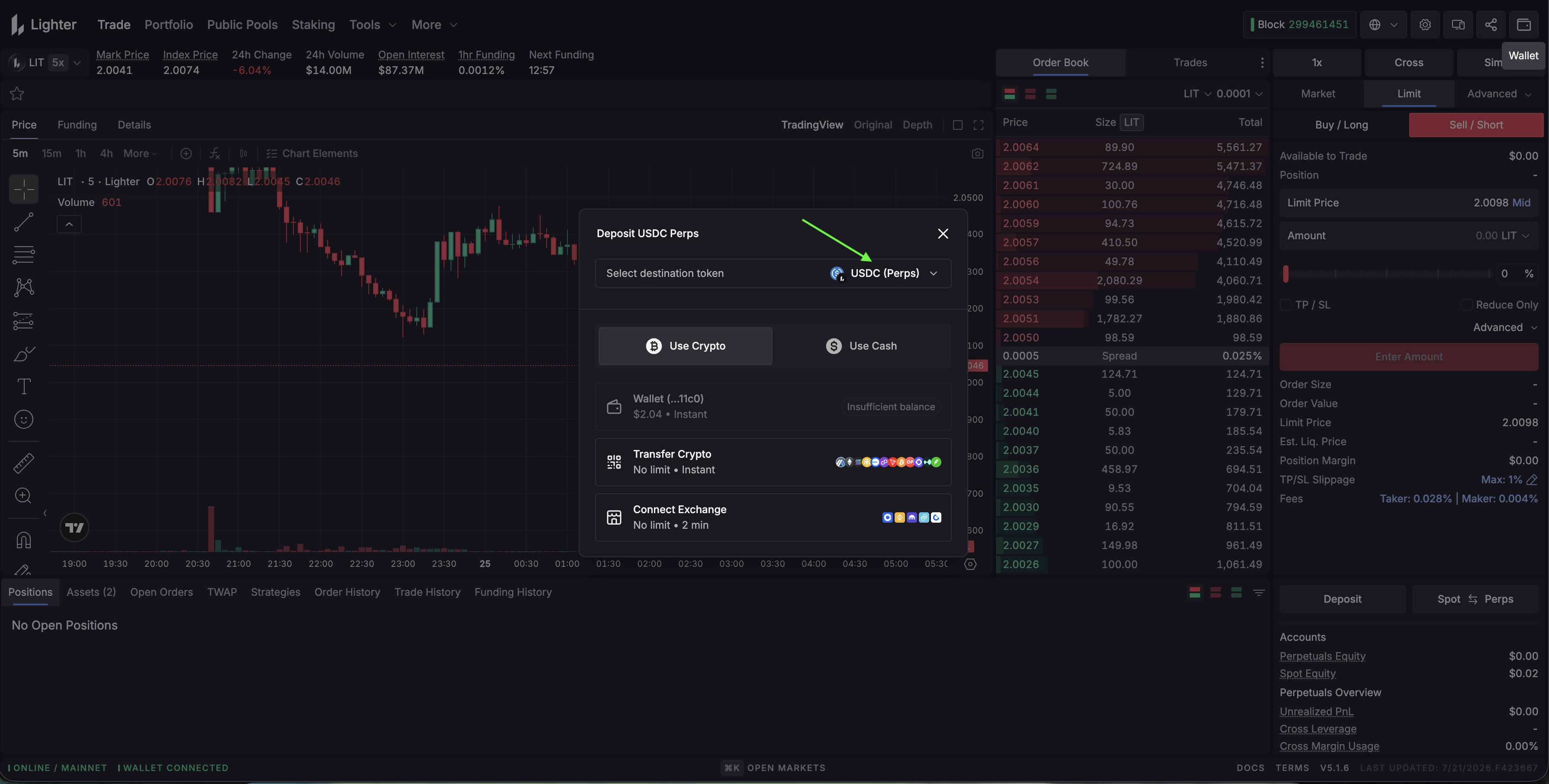
Step 4 Go to asset page after making deposit
Select network for deposit
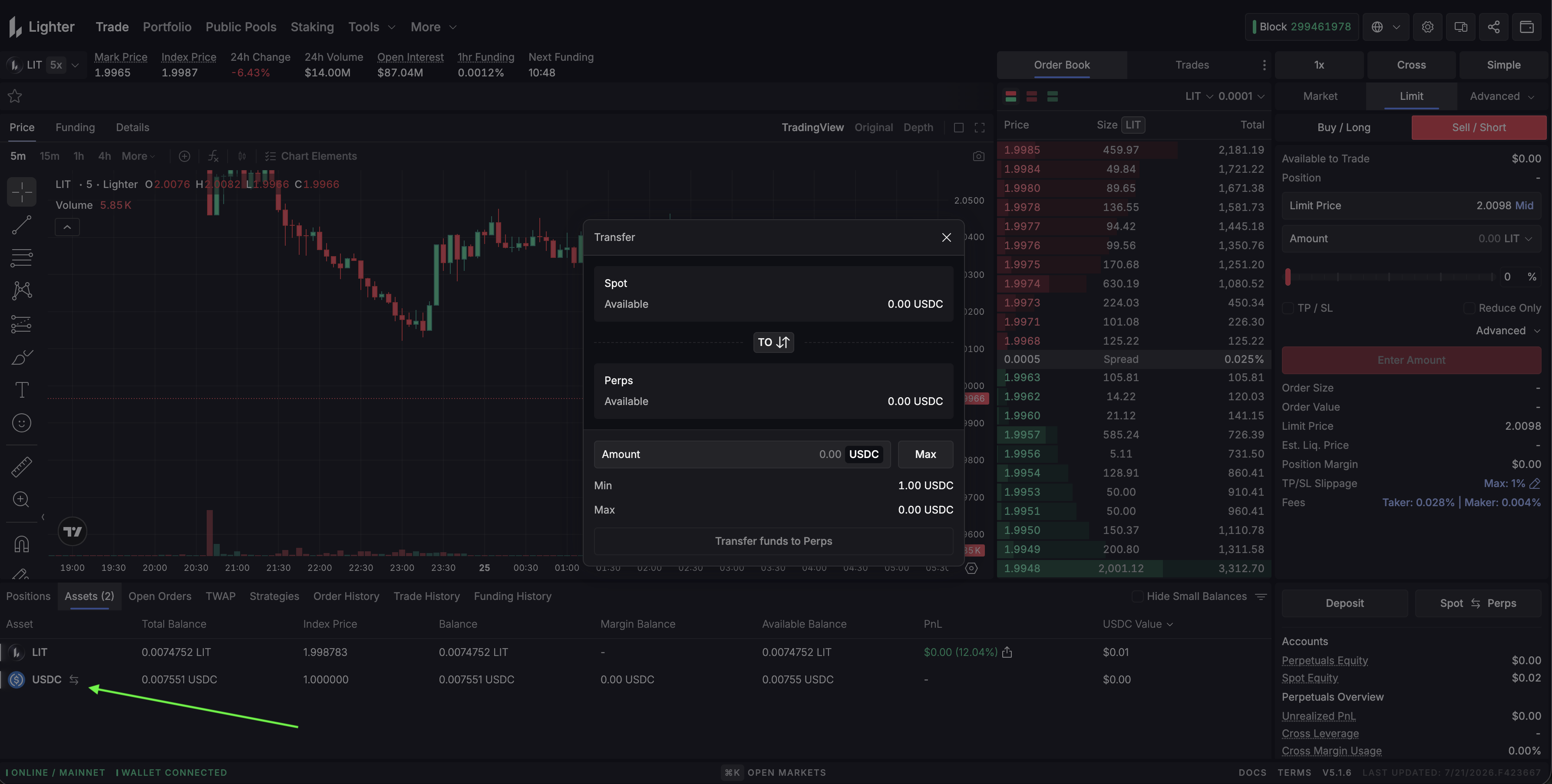
Step 5
Move funds to between Perps and Spot
Connecting to Hummingbot
🔀 Spot Connector
Integration to perpetual futures markets API endpoints
- ID:
lighter - Connection Type: WebSocket
- Github Folder
Usage
From inside the Hummingbot client, run connect lighter:
>>> connect lighter

Enter your Lighter L1 wallet address >>>
Enter your Lighter account index (leave blank to use the main account for your L1 address) >>>
Enter your Lighter API key index >>>
Enter your Lighter API private key >>>
Enter your Lighter account limit(Standard/Premium/Plus/Builder) >>>
If connection is successful:
Order Types
This connector supports the following OrderType constants:
LIMITLIMIT_MAKERMARKET
🔀 Perp Connector
Integration to perpetual futures markets API endpoints
- ID:
lighter_perpetual - Connection Type: WebSocket
- Github Folder
Usage
From inside the Hummingbot client, run connect lighter_perpetual:
>>> connect lighter_perpetual

Enter your Lighter L1 wallet address >>>
Enter your Lighter account index (leave blank to use the main account for your L1 address) >>>
Enter your Lighter API key index >>>
Enter your Lighter API private key >>>
Enter your Lighter account limit(Standard/Premium/Plus/Builder) >>>
If connection is successful:
Order Types
This connector supports the following OrderType constants:
LIMITLIMIT_MAKERMARKET
Position Modes
This connector supports the following position modes:
- One-way
Paper Trading
This exchange offers a testnet environment. After creating an account and API keys on the Lighter testnet, connect using connect lighter_perpetual_testnet inside the Hummingbot client.