Evedex
🛠 Connector Info
- Exchange Type: Decentralized Exchange (DEX)
- Market Type: Central Limit Order Book (CLOB)
| Component | Status | V2 Strategies | Notes |
|---|---|---|---|
| 🔀 Perp Connector | ✅ | Yes |
ℹ️ Exchange Info
- Website: https://evedex.exchange
- evedex referral link: https://partner.evedex.com/en-US/
- CoinMarketCap: https://coinmarketcap.com/exchanges/evedex/?type=perpetual/
- CoinGecko: https://www.coingecko.com/en/exchanges/evedex
- Fees: https://docs.evedex.com/key-features-and-components/trading-platform-and-matching-engine/trading-fees
🔑 How to Connect
Generate API Keys
The same API keys on evedex.

Note: Use wallet(e.g metamask) secret keys on evedex e.g Get your secret key from your metamask.
Step 1
Log in to your evedex account and navigate to Homepage.
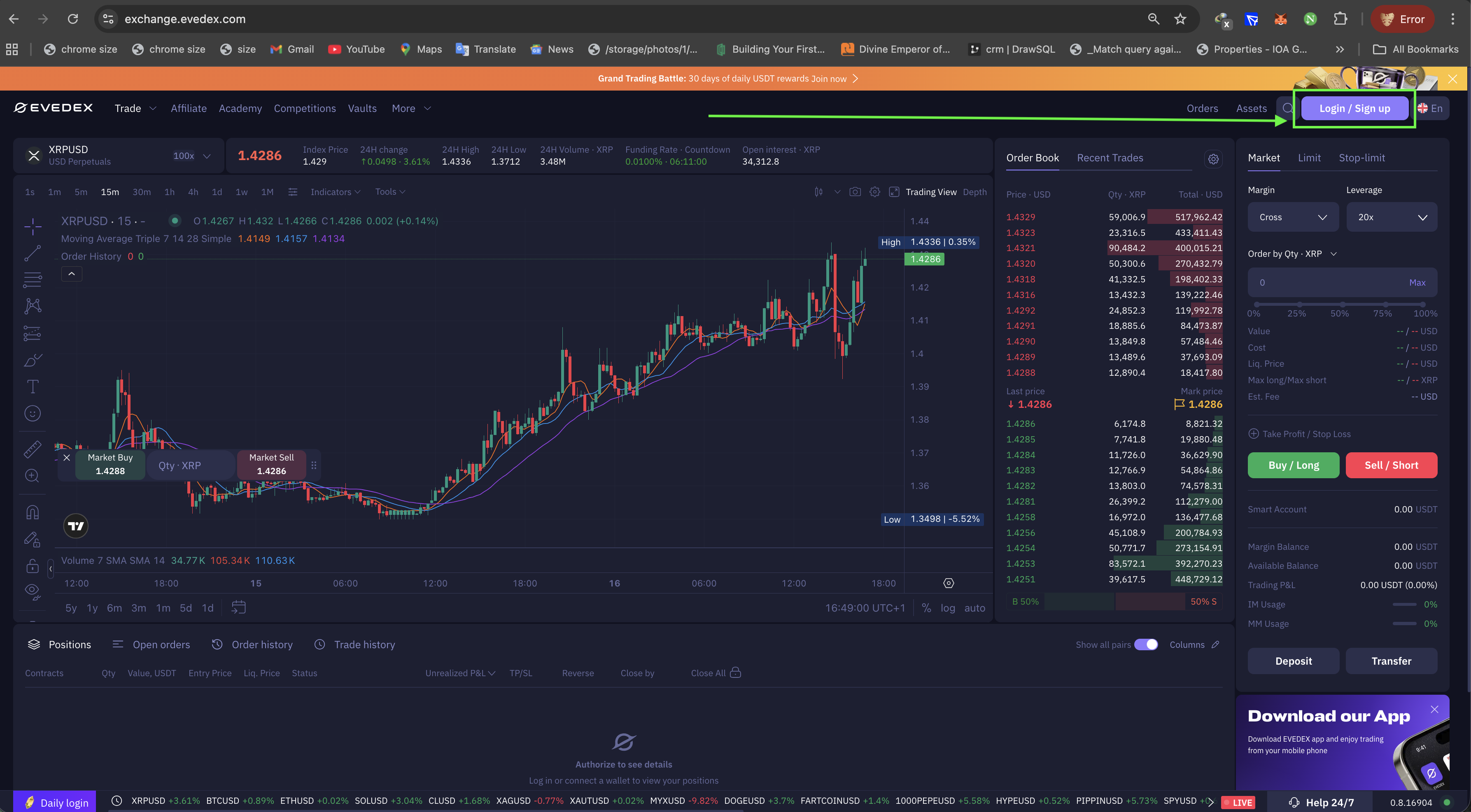
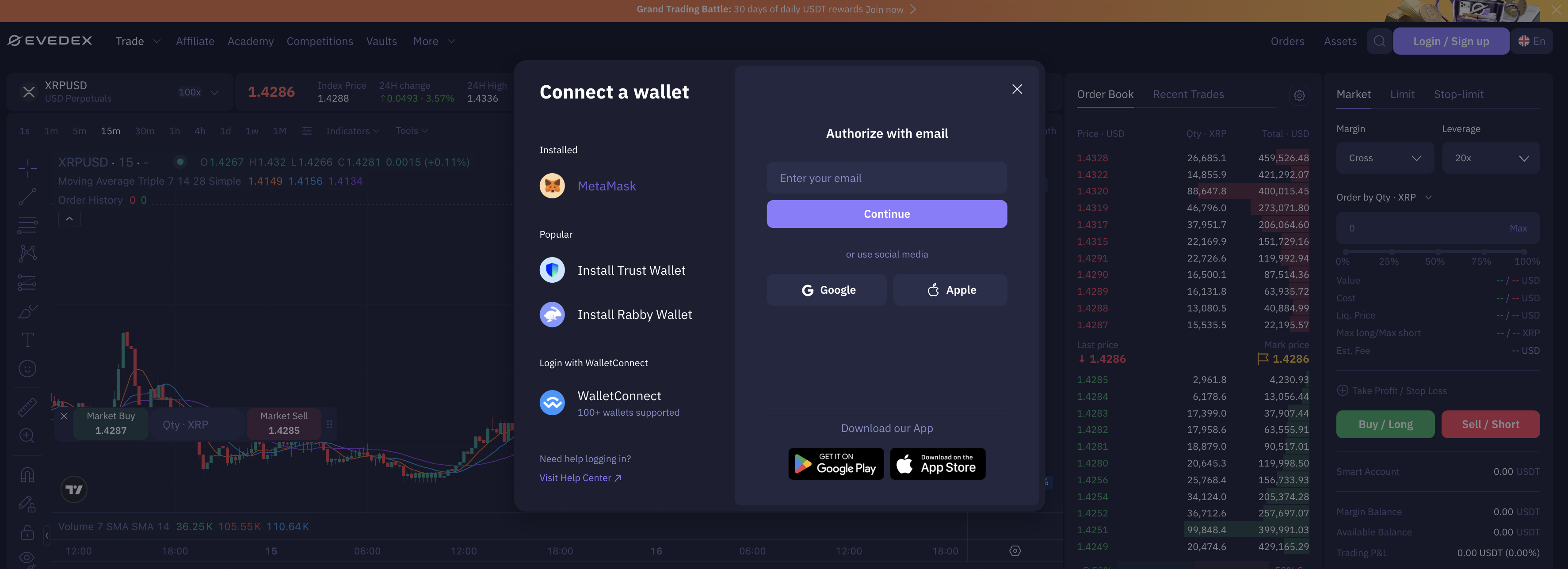
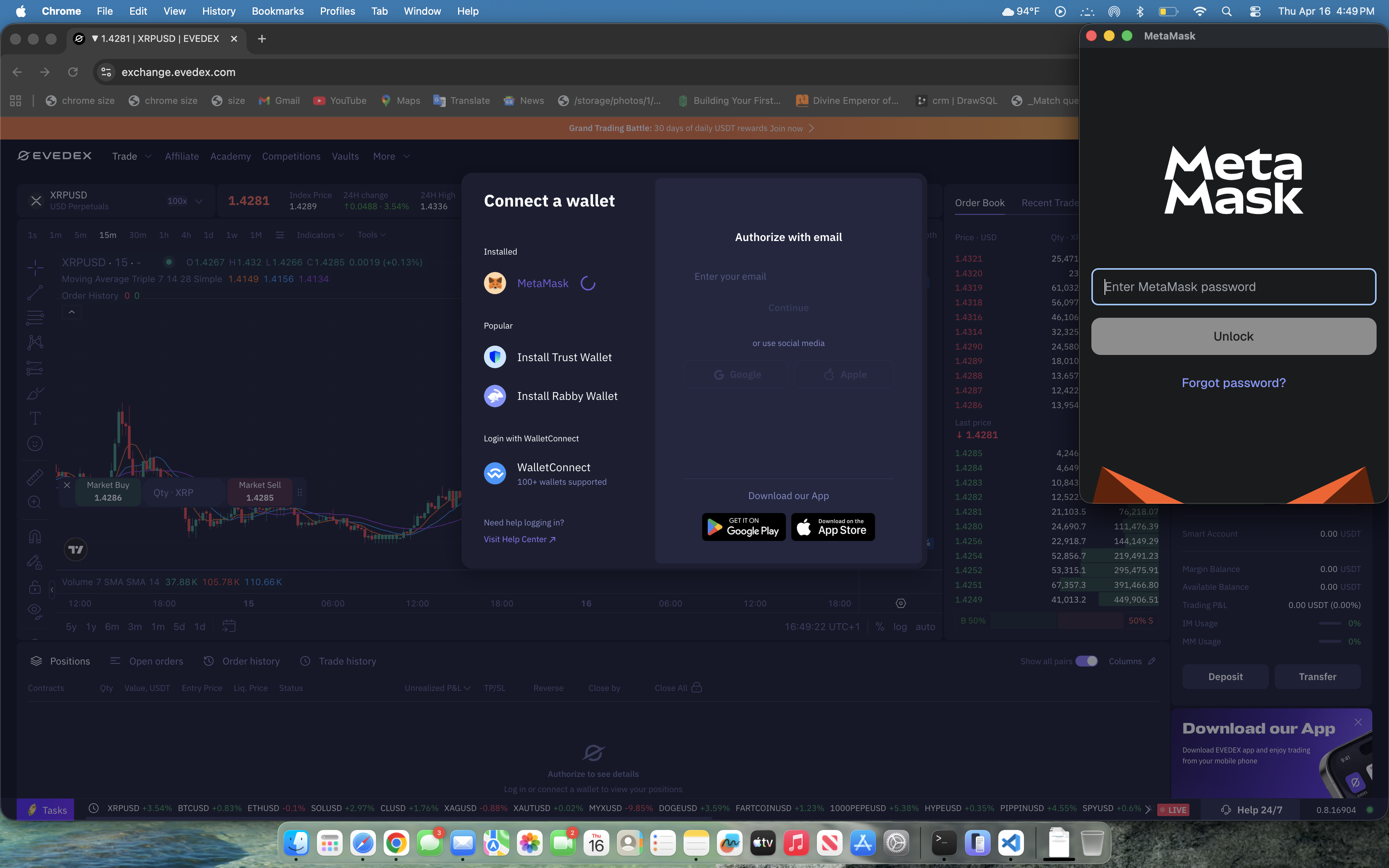
Step 2
Click Create New API Key.
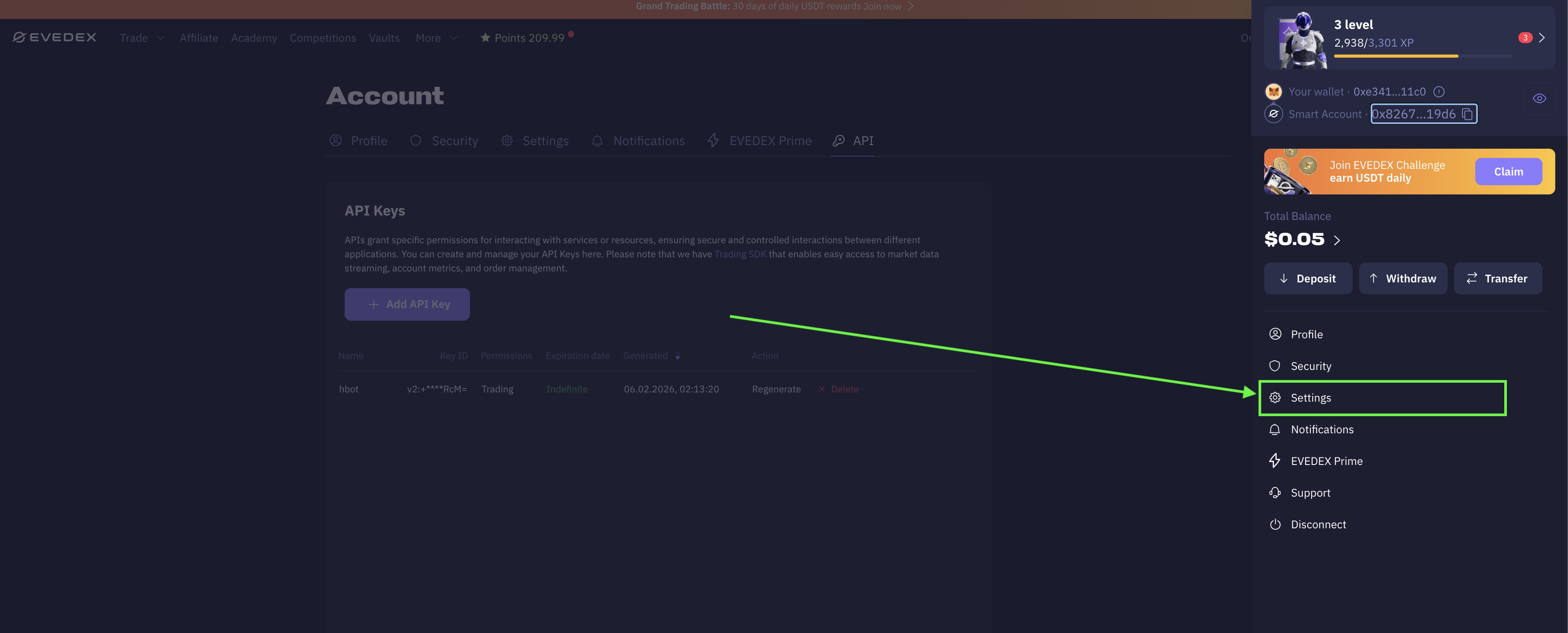
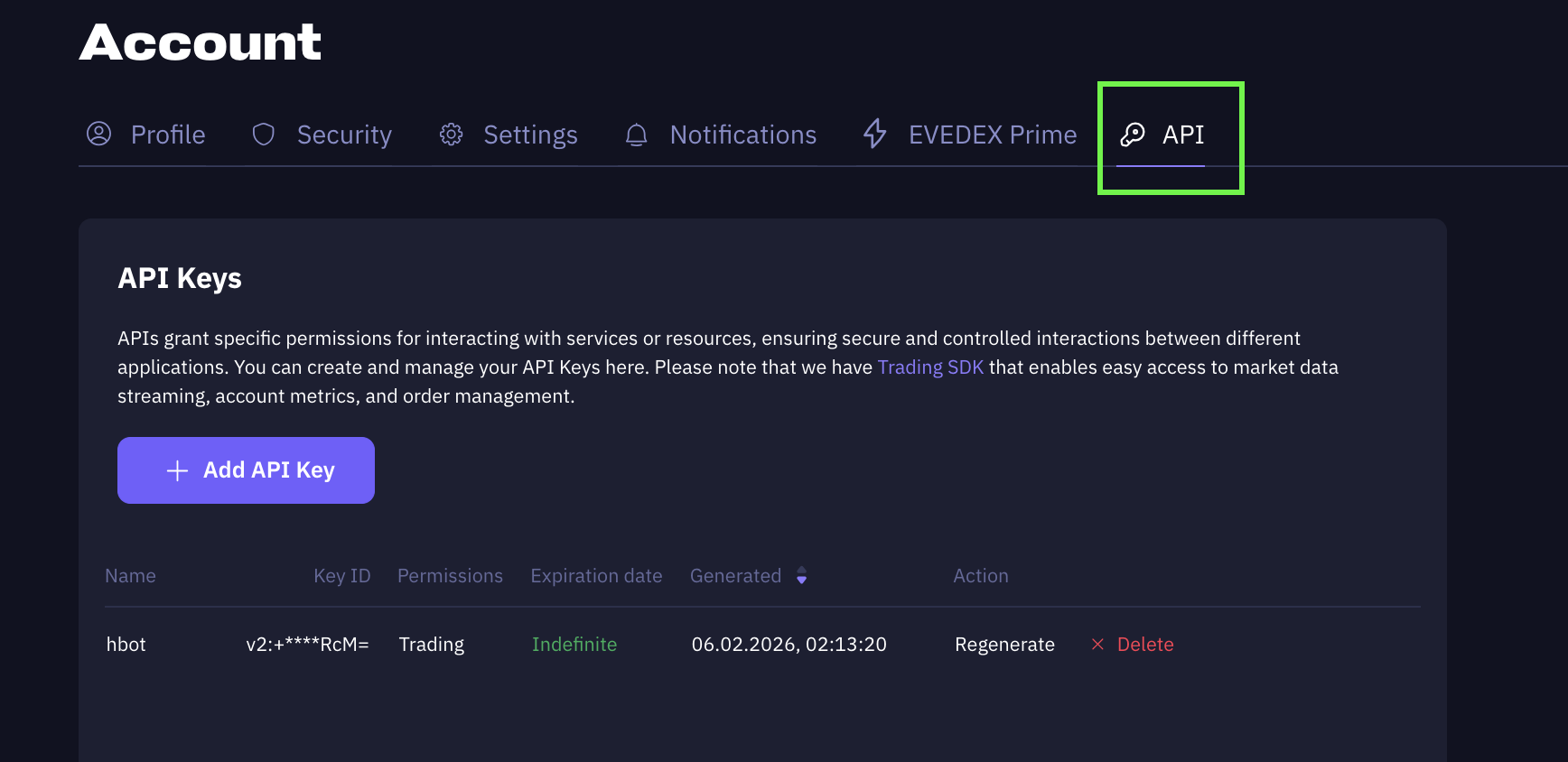
Step 3
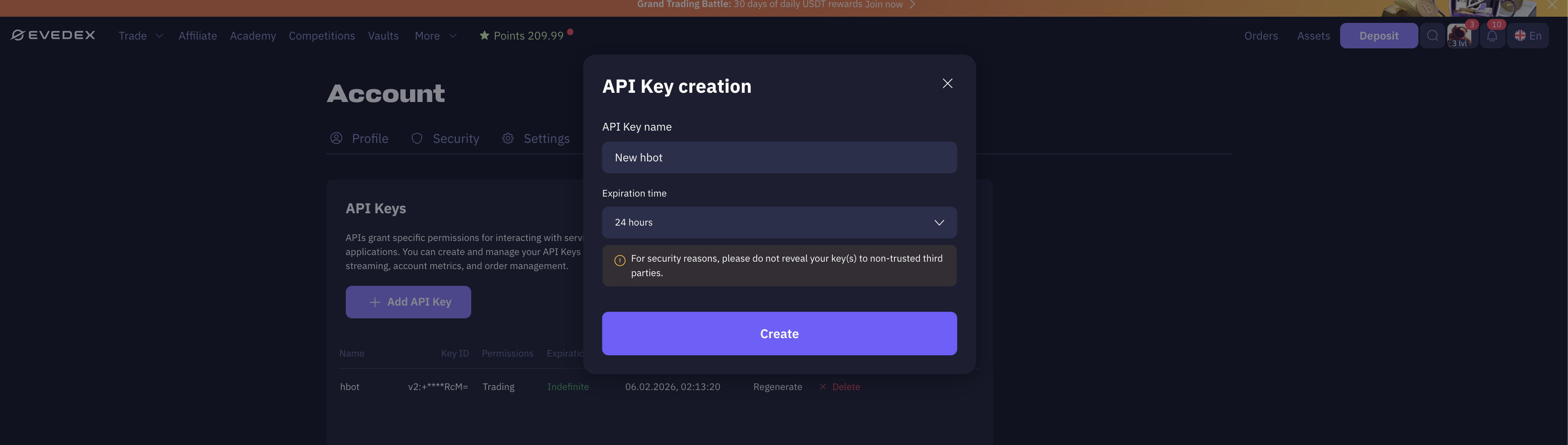
Configure your API key:
- Enter a label/name for your API key
- Select Expiration time
- Click create
Step 4
Go to asset page after making deposit
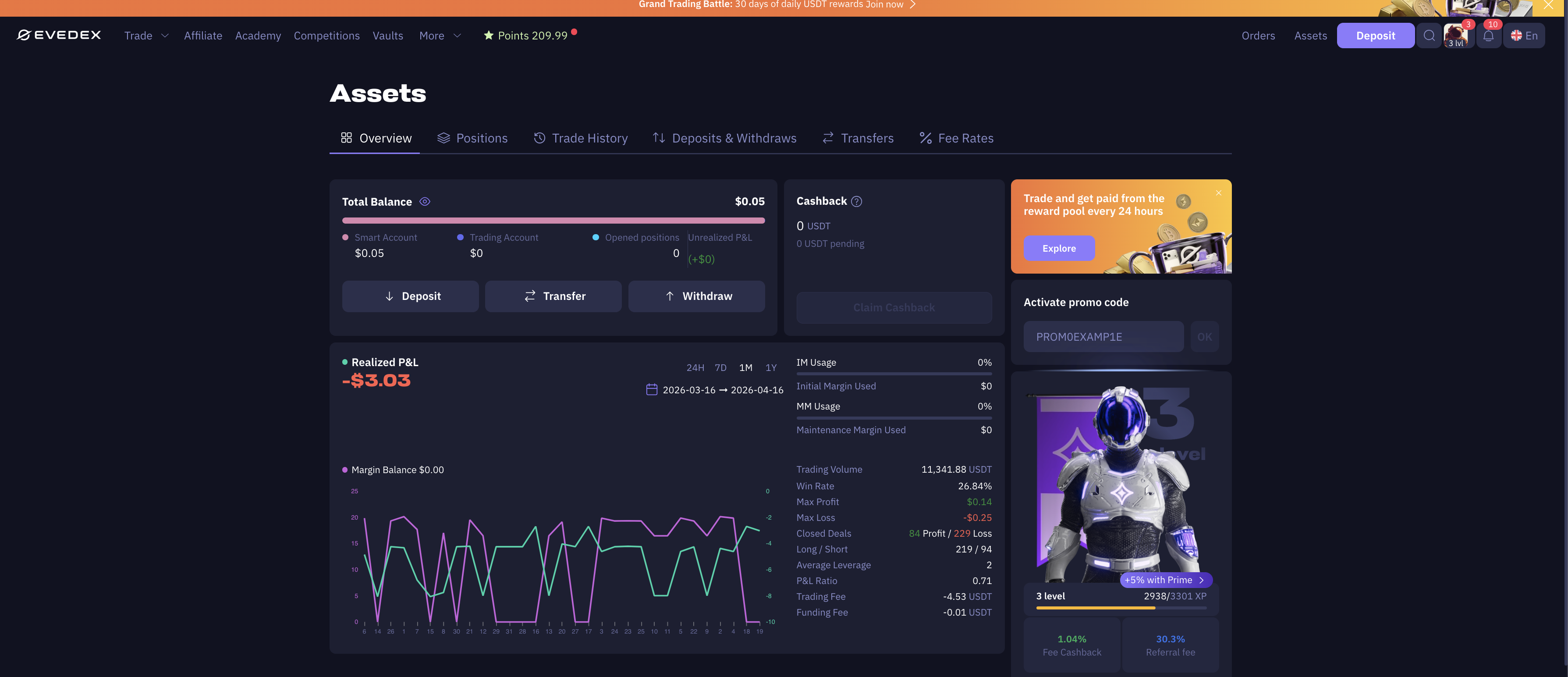
Step 5
Move funds to trading account for hummingbot balance display and trading enable
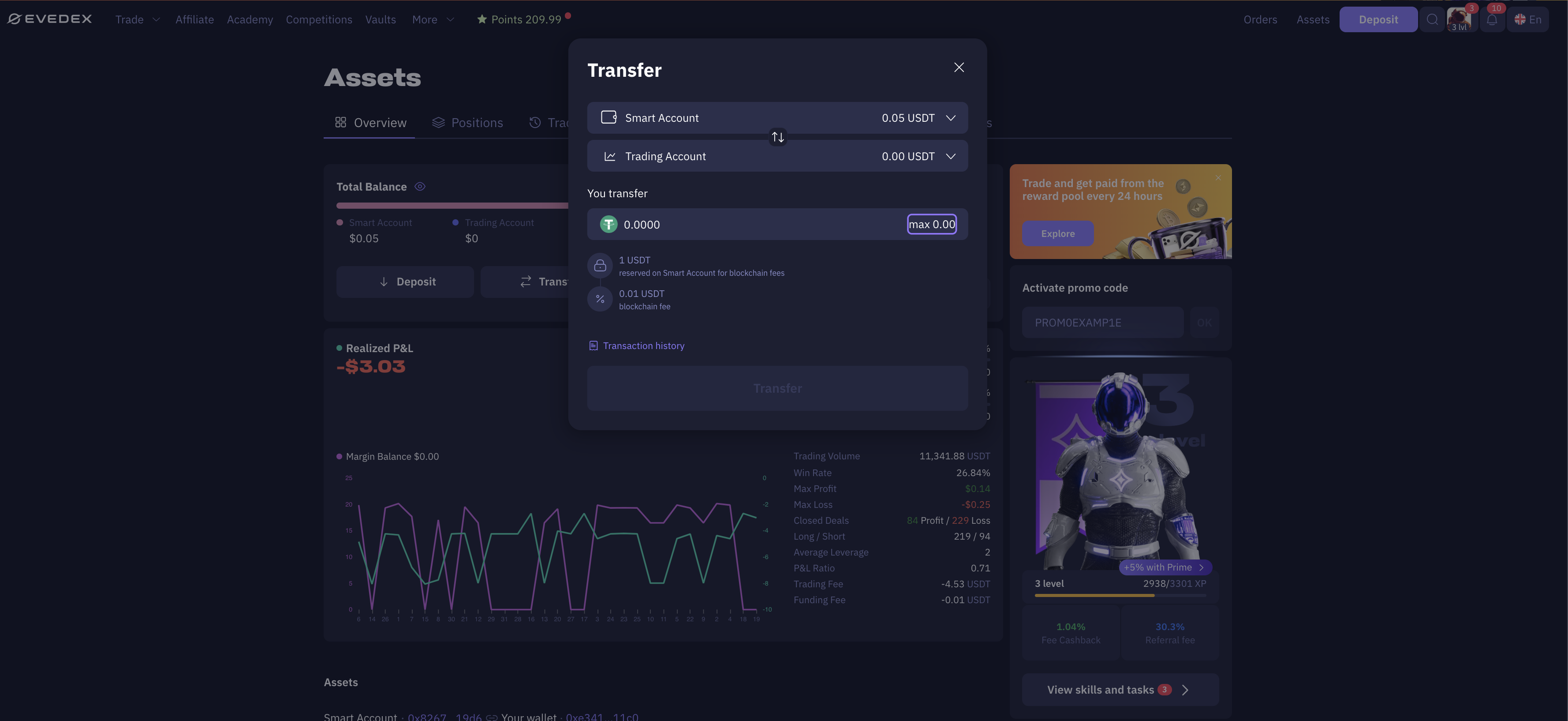
Step 6
Generating secret Key
Secret key is you wallet secret key used for creating the evedex account
Connecting to Hummingbot
🔀 Perp Connector
Integration to perpetual futures markets API endpoints
- ID:
evedex_perpetual - Connection Type: WebSocket
- Github Folder
Usage
From inside the Hummingbot client, run connect evedex_perpetual:
>>> connect evedex_perpetual

Enter your evedex_perpetual API key >>>
Enter your evedex_perpetual secret key >>>
If connection is successful:
Order Types
This connector supports the following OrderType constants:
LIMITLIMIT_MAKERMARKET
Position Modes
This connector supports the following position modes:
- One-way