Architect
🛠 Connector Info
- Exchange Type: Centralized Exchange (CEX)
- Market Type: Central Limit Order Book (CLOB)
| Component | Status | Notes |
|---|---|---|
| 🔀 Spot Connector | Not available | |
| 🔀 Perp Connector | ✅ | Supports sandbox |
ℹ️ Exchange Info
- Website: https://architect.co
- API Docs: https://docs.architect.exchange/api-reference/user-management/get-whoami
- Fees: https://docs.architect.exchange/guides/accounts-fees/fee-structure
🔑 How to Connect
Generate API Keys
In order to use the Architect Perpetual Hummingbot integration, you will need an API key and secret pair.
- Log into your Architect account.
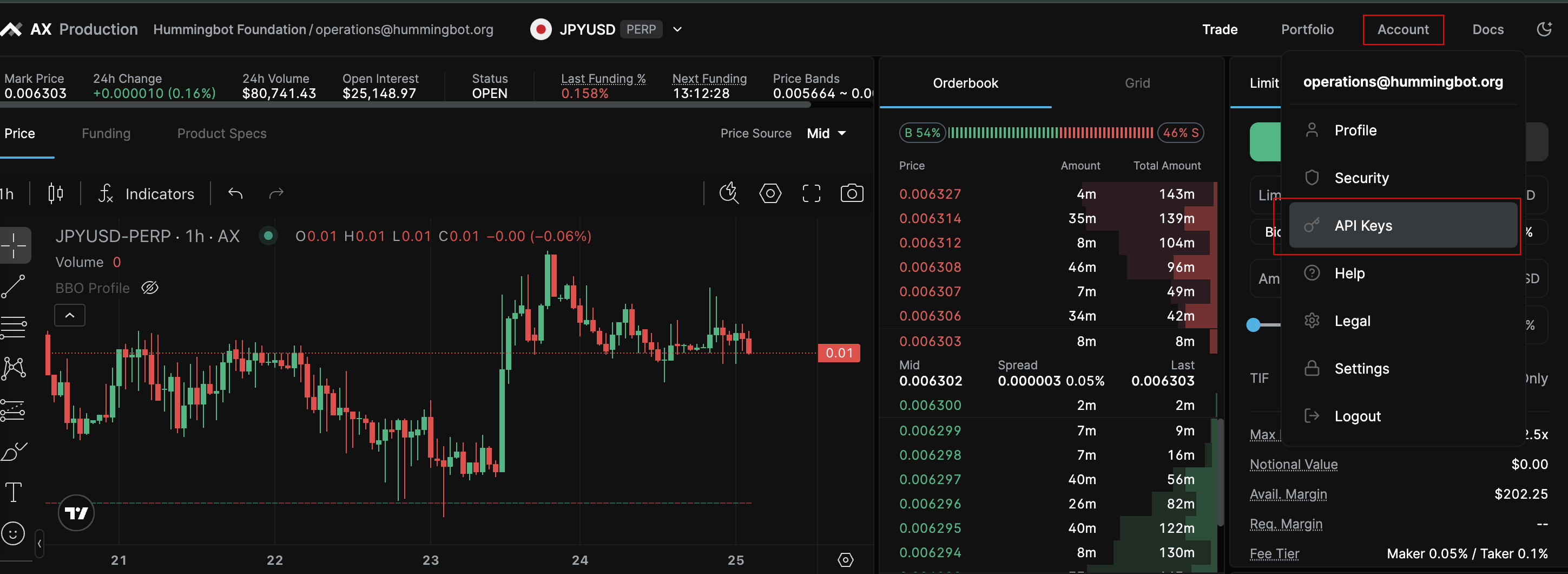
- Access the Account menu in the top-right corner and select "API Keys".
- On the API Keys page, select "Create New API Key".
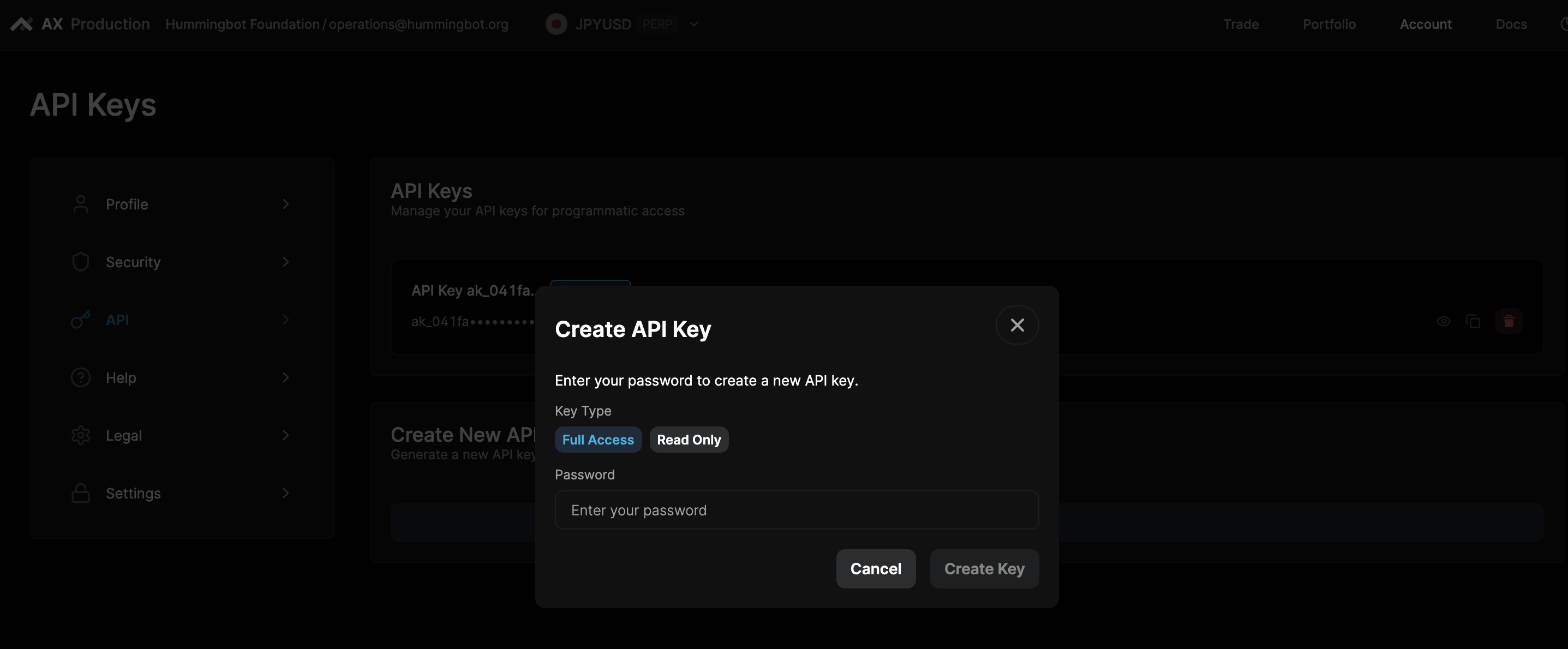
- Select the "Full Access" option, enter your password, and hit "Create Key".
🔀 Perp Connector
Integration to perpetual futures markets API endpoints
- ID:
architect_perpetual - Connection Type: WebSocket
- Github Folder
Usage
From inside the Hummingbot client, run connect architect_perpetual:
>>> connect architect_perpetual

Enter your Architect Perpetual API key >>>
Enter your Architect Perpetual API secret >>>
If connection is successful:
You are now connected to Architect Perpetual
Order Types
This connector supports the following OrderType constants:
LIMITLIMIT_MAKERMARKET
Position Modes
This connector supports the following position modes:
- One-way
Leverage
Architect Perpetual trading instruments have fixed leverages. Consult the Architect trading UI to verify the leverage for your trading instrument. Hummingbot supports integer values only for leverage, so if the Architect instrument leverage is 12.5, configure your Hummingbot strategy to 12.